Die einfache, private Lernkarten-App für fokussiertes Lernen.
The simple, private flashcard app for focused learning.
Erstelle deine eigenen Lernkarten, lerne mit intelligentem Wiederholungssystem und behalte die volle Kontrolle über deine Daten — komplett offline, ohne Konto, ohne Ablenkung.
Create your own flashcards, study with smart spaced repetition, and keep full control of your data — completely offline, no account, no distractions.
Why Karteichärtli?
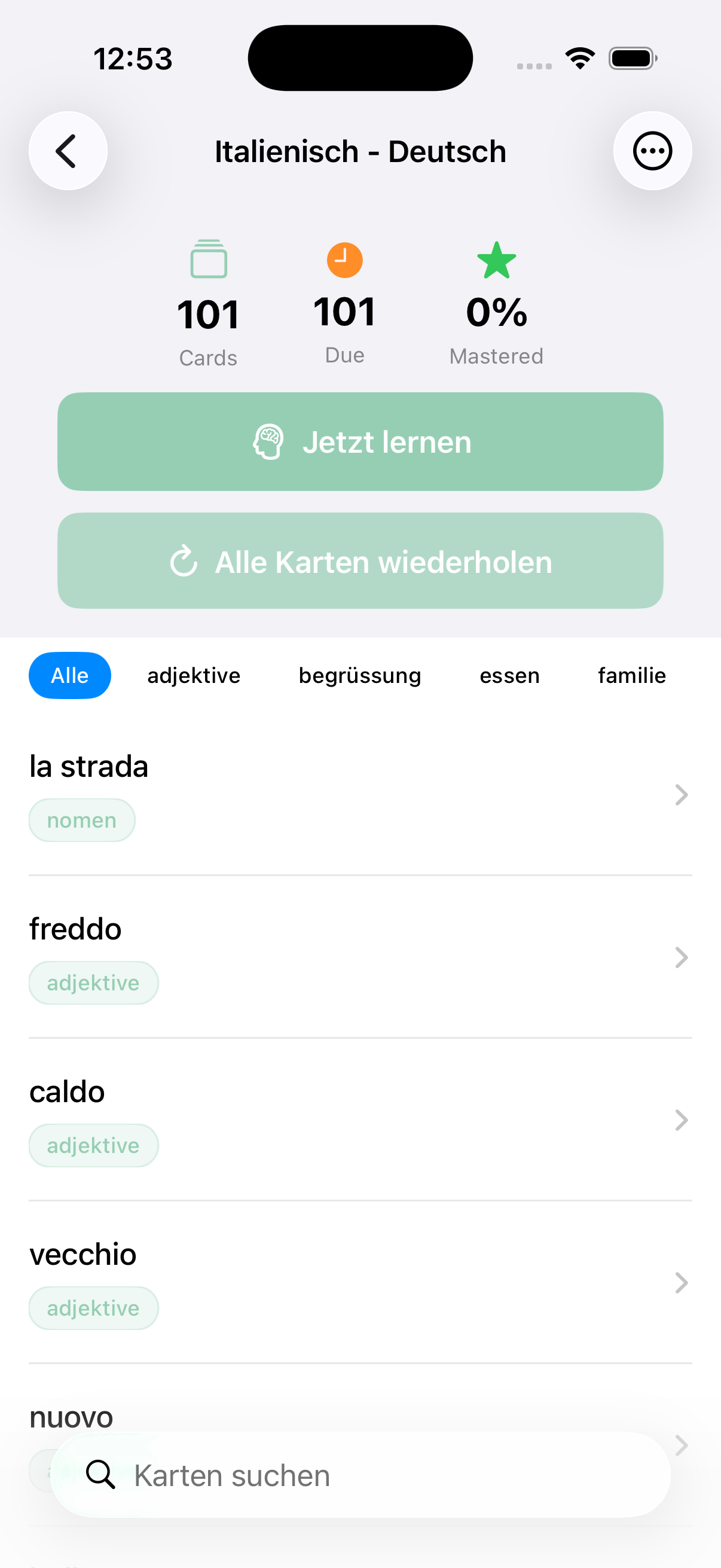
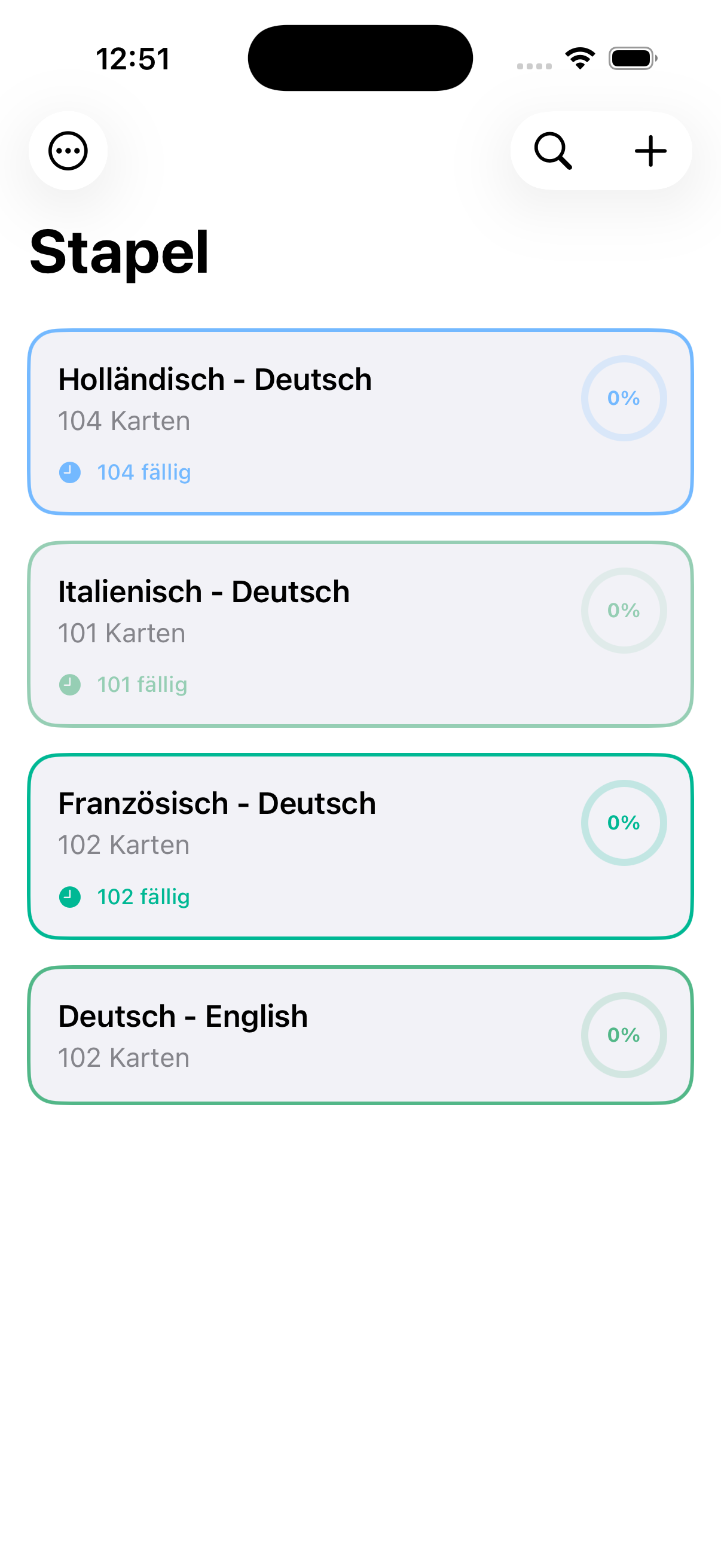
Organize Your Decks
Erstelle beliebig viele Stapel, ordne sie mit Farben und behalte den Überblick über deinen Lernfortschritt.
Create as many decks as you like, color-code them, and keep track of your learning progress.
Smart Spaced Repetition
Der SM-2-Algorithmus sorgt dafür, dass schwierigere Karten häufiger erscheinen — so lernst du effizienter.
The SM-2 algorithm shows harder cards more often — so you learn more efficiently.
100% Private & Offline
Kein Internet nötig, kein Tracking, keine Konten. Deine Daten bleiben auf deinem Gerät — Punkt.
No internet needed, no tracking, no accounts. Your data stays on your device — period.
Import & Export
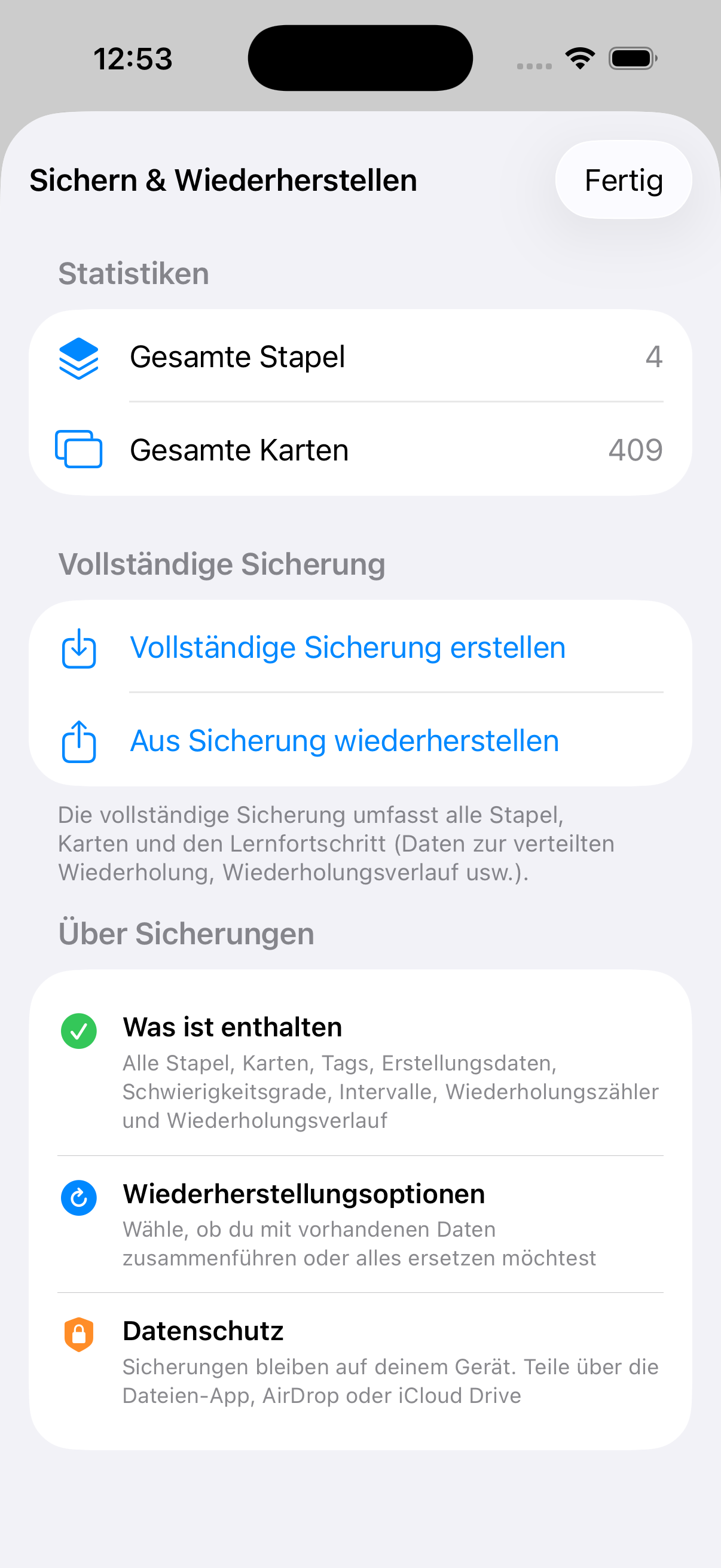
Importiere und exportiere deine Lernkarten als JSON oder CSV — einfach teilen, sichern oder von anderen Quellen übernehmen.
Import and export your flashcards as JSON or CSV — easily share, back up, or migrate from other sources.
See It in Action
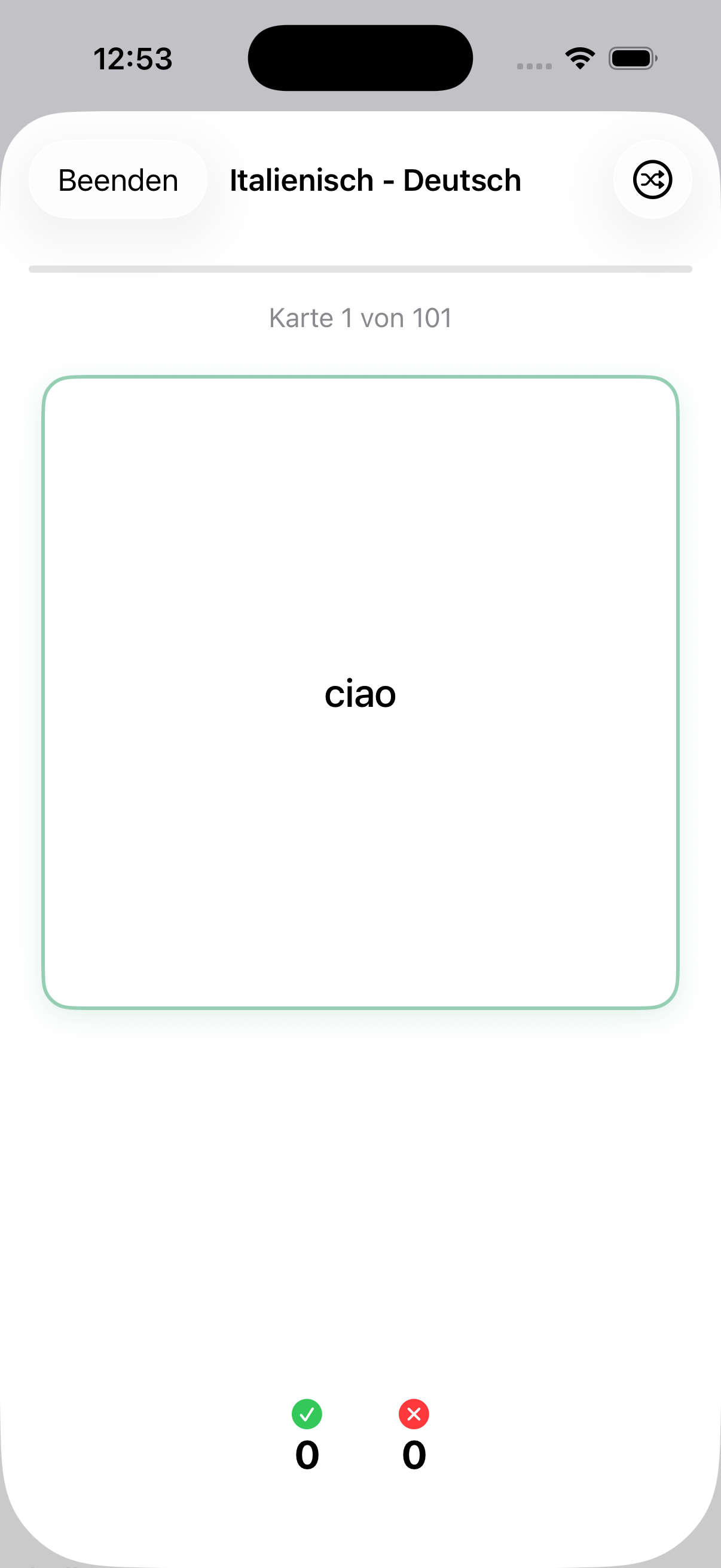
Study Mode
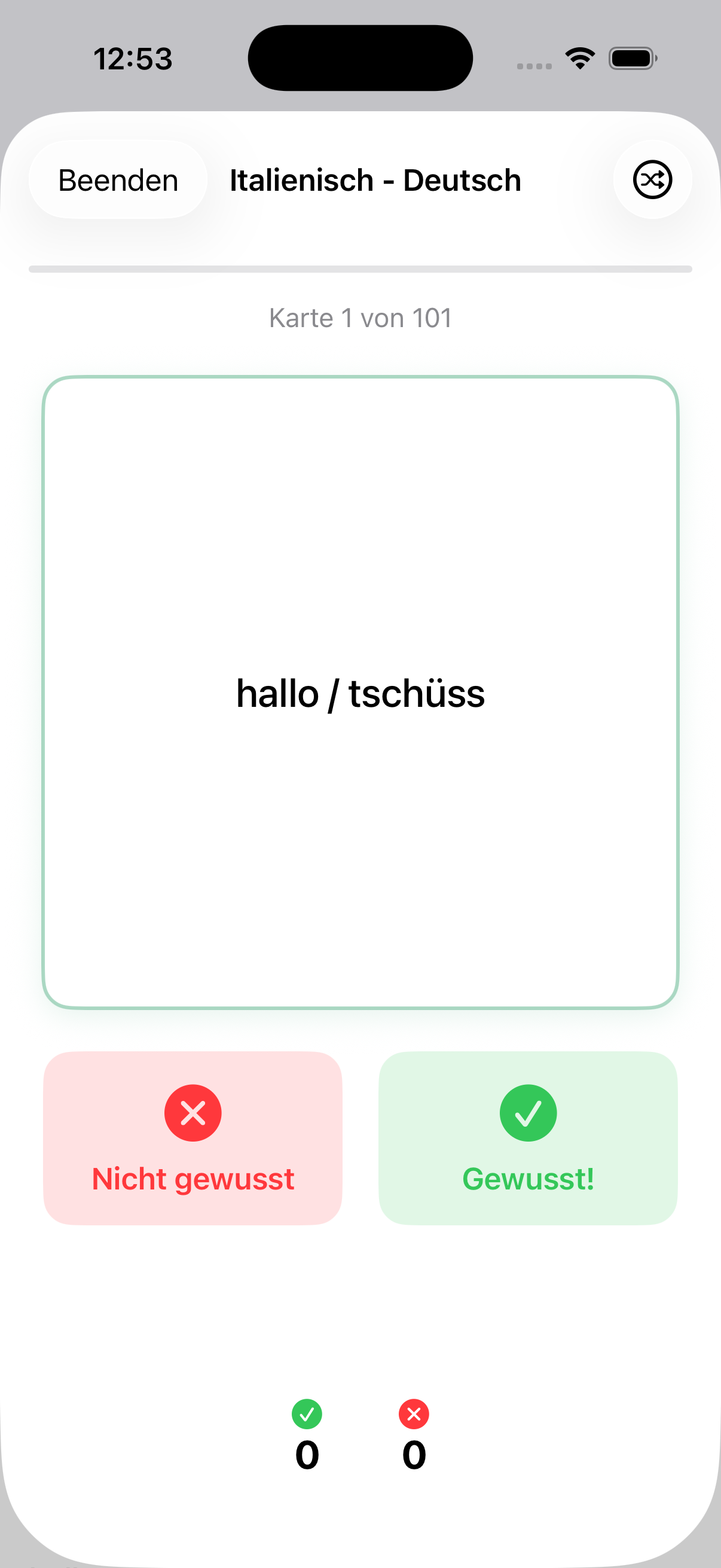
Card Flip
Deck Overview
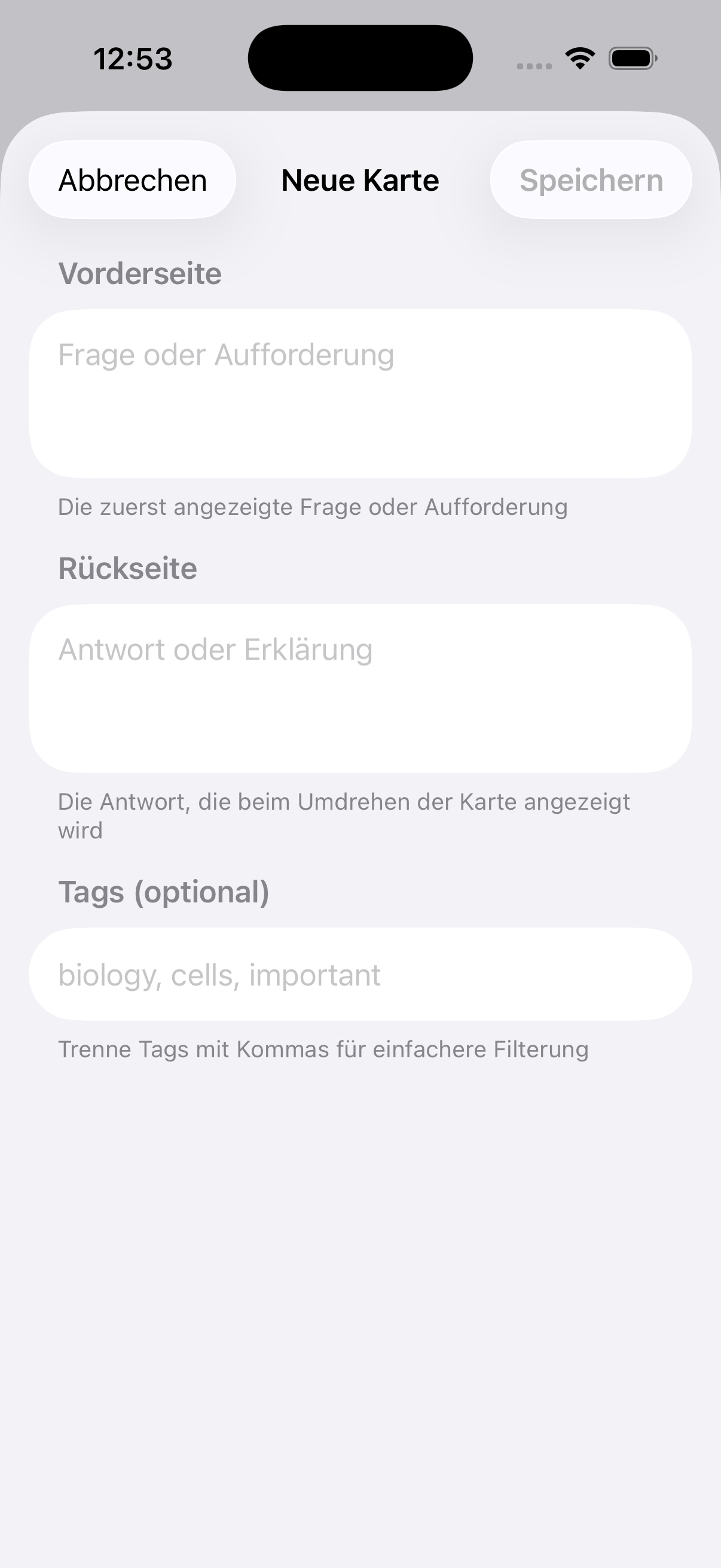
New Card
Backup & Restore
Get Started Quickly
Importiere deine Lernkarten ganz einfach per JSON- oder CSV-Datei. Du kannst auch einen unserer fertigen Beispiel-Stapel herunterladen und direkt loslegen.
Easily import your flashcards via JSON or CSV file. You can also download one of our ready-made sample decks and start right away.
Download Sample Decks
Öffne die heruntergeladene Datei auf deinem iPhone oder iPad — Karteichärtli importiert den Stapel automatisch.
Open the downloaded file on your iPhone or iPad — Karteichärtli imports the deck automatically.
JSON-Format
{
"deckName": "My Deck",
"color": "#4ECDC4",
"cards": [
{
"front": "Question",
"back": "Answer",
"tags": ["tag1", "tag2"]
}
]
}
CSV-Format
front,back,tags
"Question","Answer","tag1;tag2"
Speichere die Datei als .json oder .csv und öffne sie mit Karteichärtli über das iOS-Teilen-Menü.
Save as .json or .csv and open it with Karteichärtli via the iOS share sheet.
Your Data. Your Device. Period.
No internet connection required
No accounts, no sign-ups
No analytics, no tracking, no third-party code
All data stored locally — delete the app, data is gone
We'd love to hear from you